
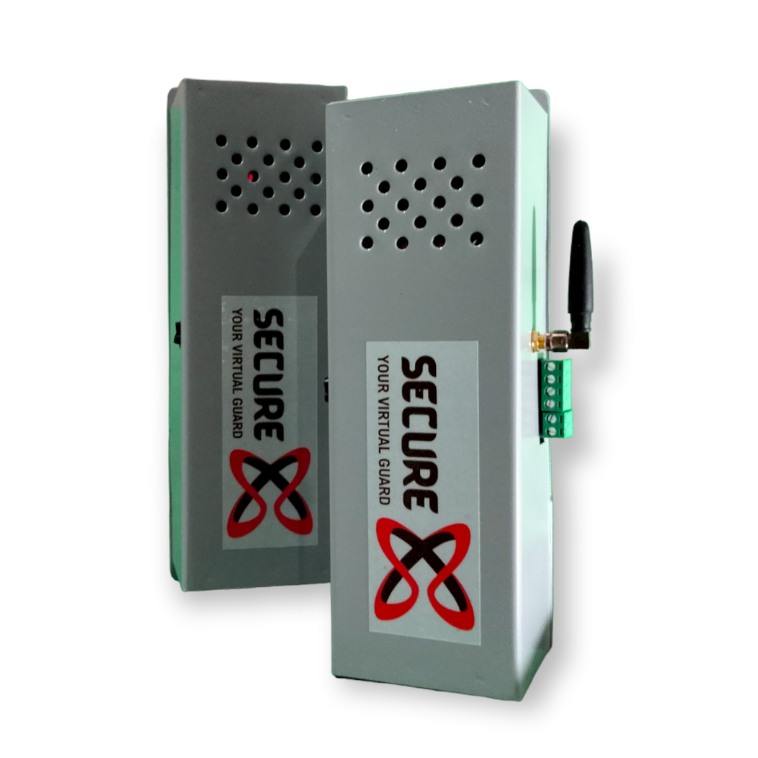
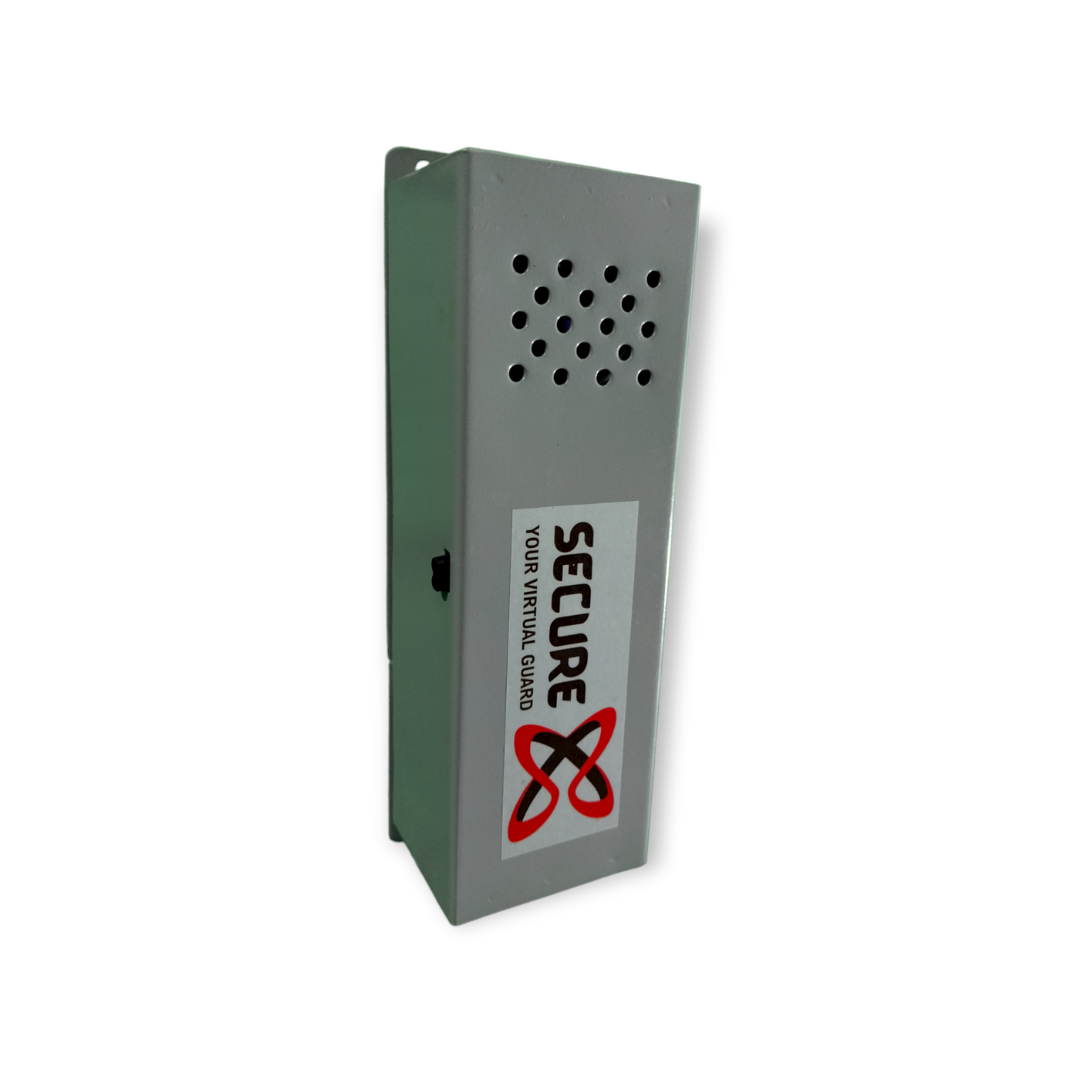
To insert SIM open the back plate of SecureX and there is a slot to install SIM card.
How to register phone number in SecureX?
To register your number send "REG[user no.],[passward],+91[phone no]" SMS on SecureX's SIM card number. || For Example:- REG1,123456789,+918976542185
How to activate SecureX? | Securex Activation confirmation SMS
After phone number registration restart SecureX by powering ON and OFF the switch.
After 30 - 35 seconds you will get activation confirmation SMS on all the registered phone numbers.
SecureX theft alert checking after phone number registration.
How to deactivate SecureX?
To deactivate SecureX Call on SecureX's SIM Card by USER 1 or USER 2.
Also USER 1 will get the Deactivation SMS with phone number.
You Can also Schedule SecureX Deactivation time by using (Auto Call Scheduler App)
How to check registered numbers again in SecureX?
Send "All" message from registered phone numbers and you will get all the registered phone numbers list in reply.
How to delete registered number in SecureX?
Send "Del[user no 1],[passward]" message from registered phone number and you will get confirmation message on USER 1 phone number. (For Ex:- Del1,987654321)
Full Guide/Manual for SecureX | RoautoX